
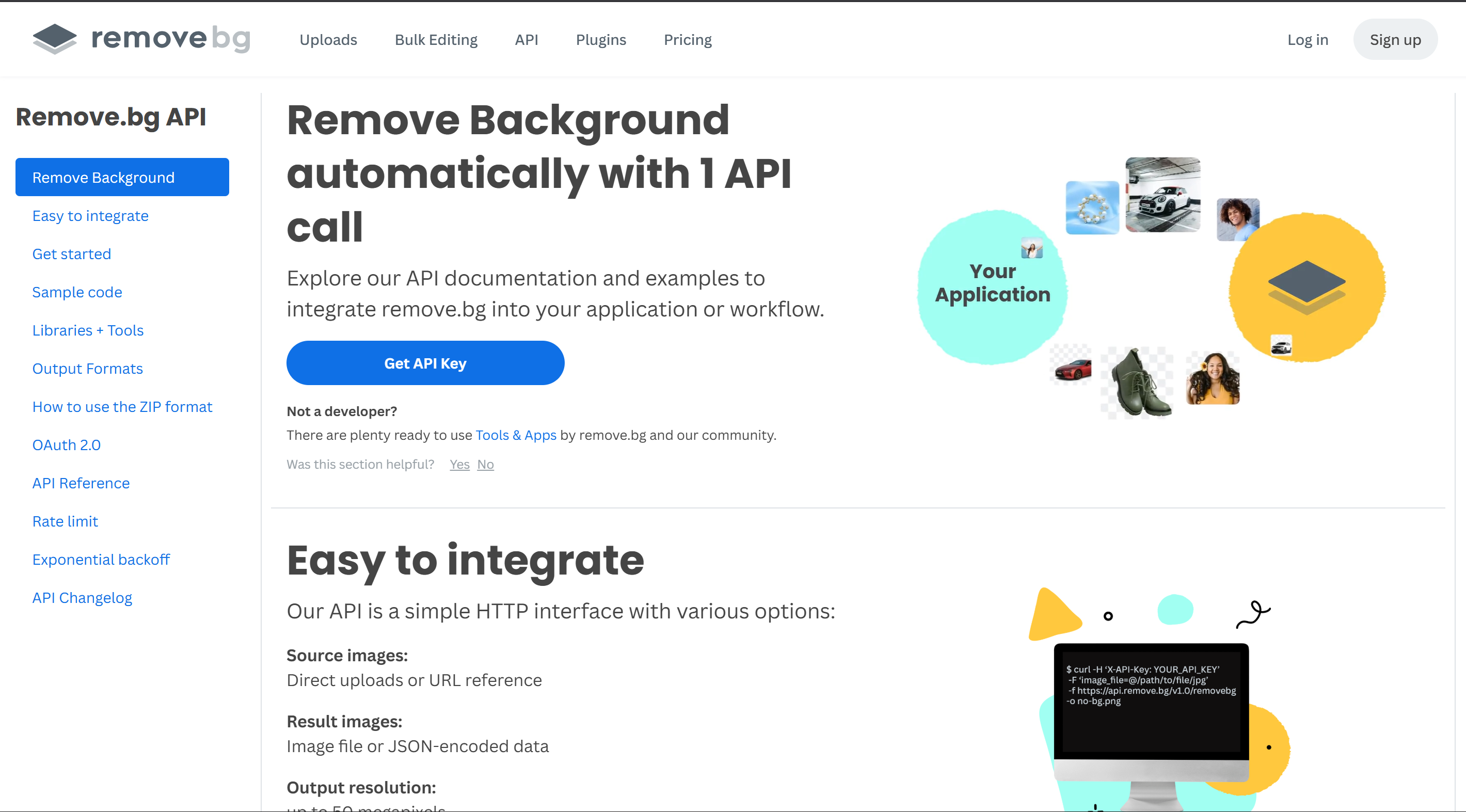
1Go to Remove.bg API Page
First, navigate to the Remove.bg API documentation page and click the "Get API Key" button.
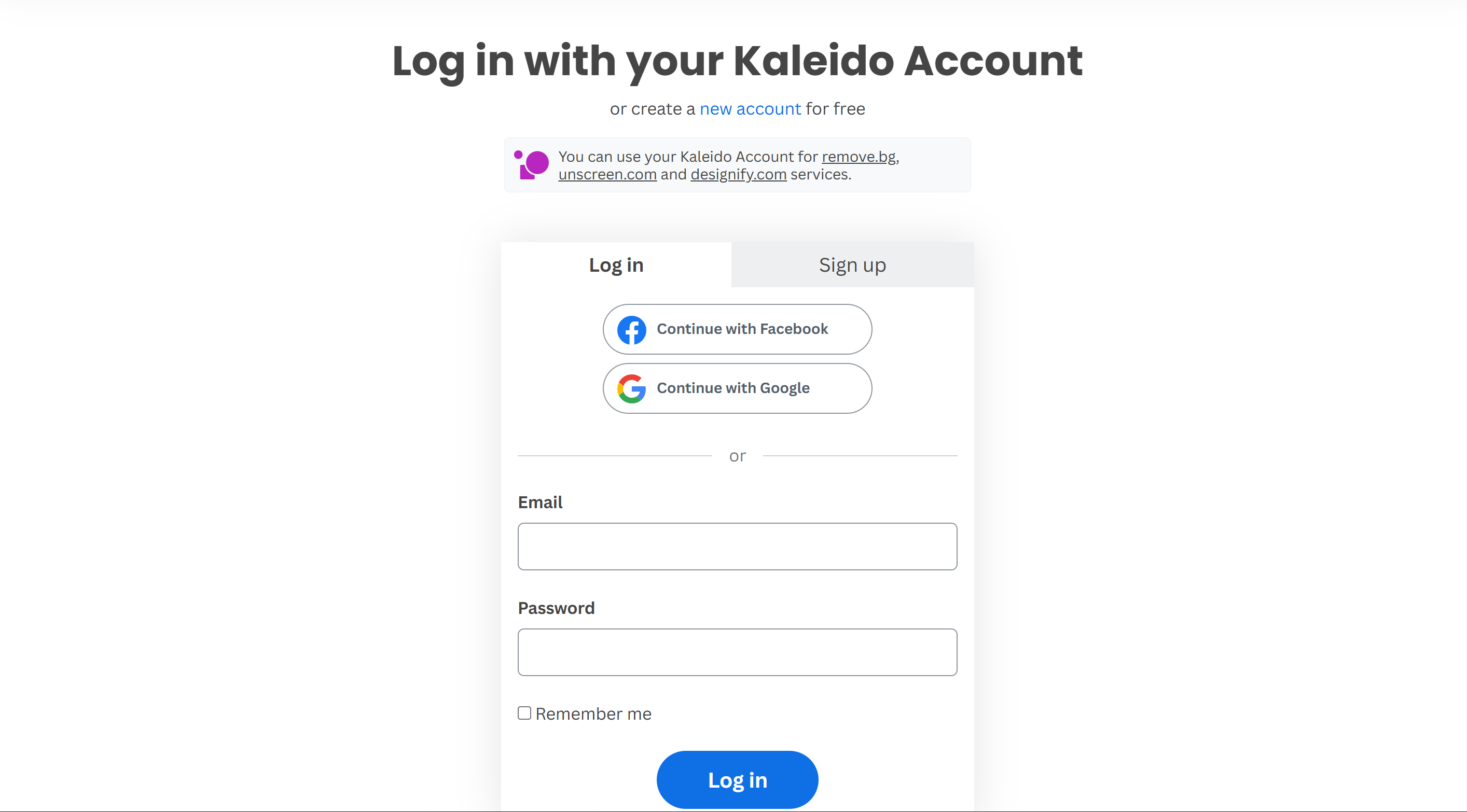
2Log In or Sign Up
You will be prompted to log in to your Kaleido Account. If you don't have an account, click to Sign up for free. A new account offers 50 free high-quality image previews!
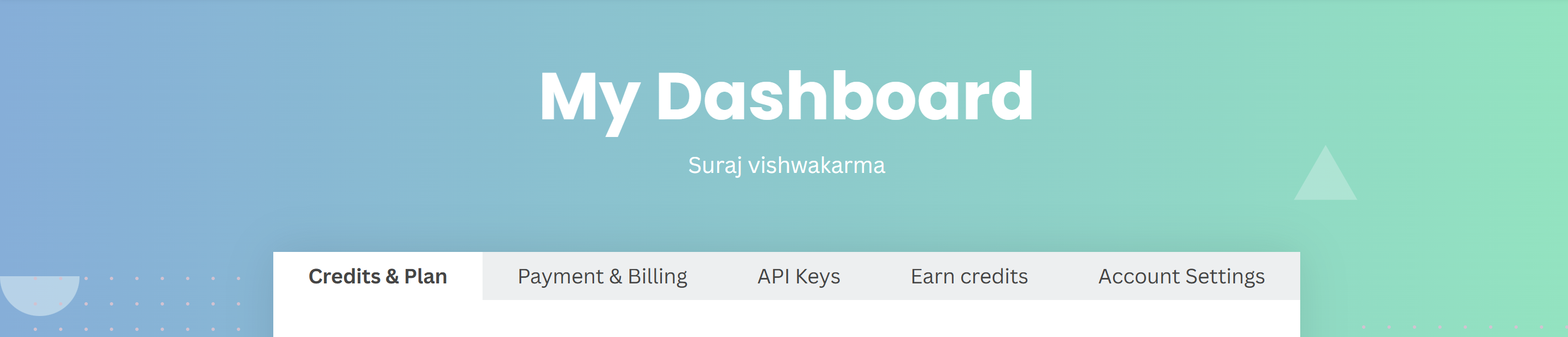
3Navigate to API Keys Dashboard
Once logged in, go to the API Keys tab in your dashboard. Click the "New API Key" button to generate your free key. Copy this key.
4Paste Key in Your App Dashboard
Finally, return to our Dashboard, paste your new key into the "Bring Your Own API Key" section, and click Save Changes. You will no longer be charged credits for removing backgrounds!